

How to create email account in cPanel
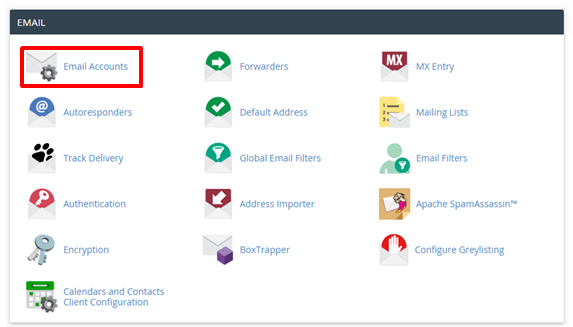
In order to create new email account in cPanel, follow the instructions below:
1. Log in to your cPanel > Mail section > Email Accounts menu:
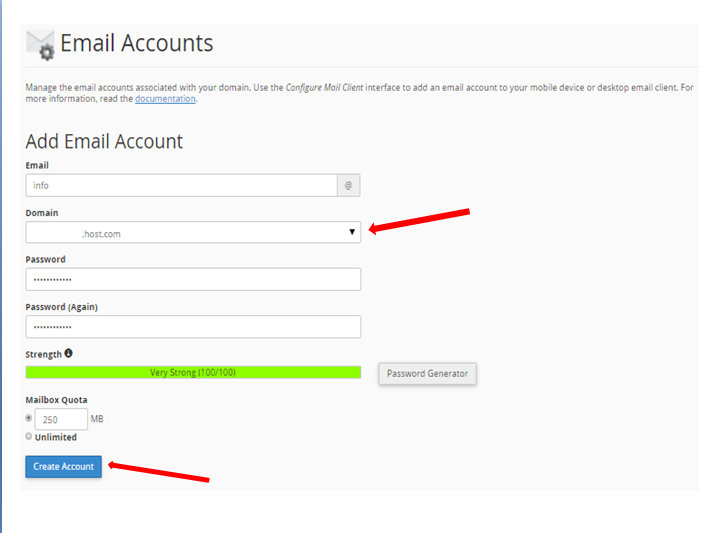
2. If you have multiple domains, select the domain you want your email account to be associated with in the drop-down list in the top right corner and enter the desired email and a strong password of your choice:
1. Log in to your cPanel > Mail section > Email Accounts menu:
2. If you have multiple domains, select the domain you want your email account to be associated with in the drop-down list in the top right corner and enter the desired email and a strong password of your choice:
Click on Create Account once all is set.
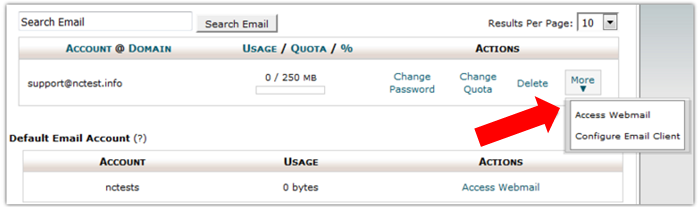
3. To log in webmail, click on More next to the email account in question > Access Webmail:
3. To log in webmail, click on More next to the email account in question > Access Webmail:
4. Once done, you will see the icons of the three webmail interfaces:
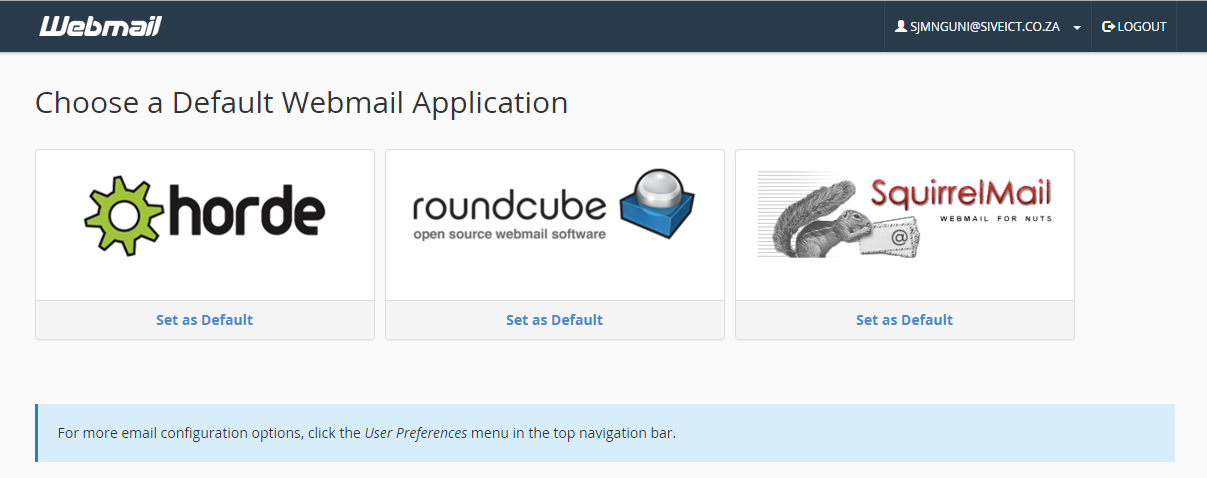
5. Feel free to choose any access webmail
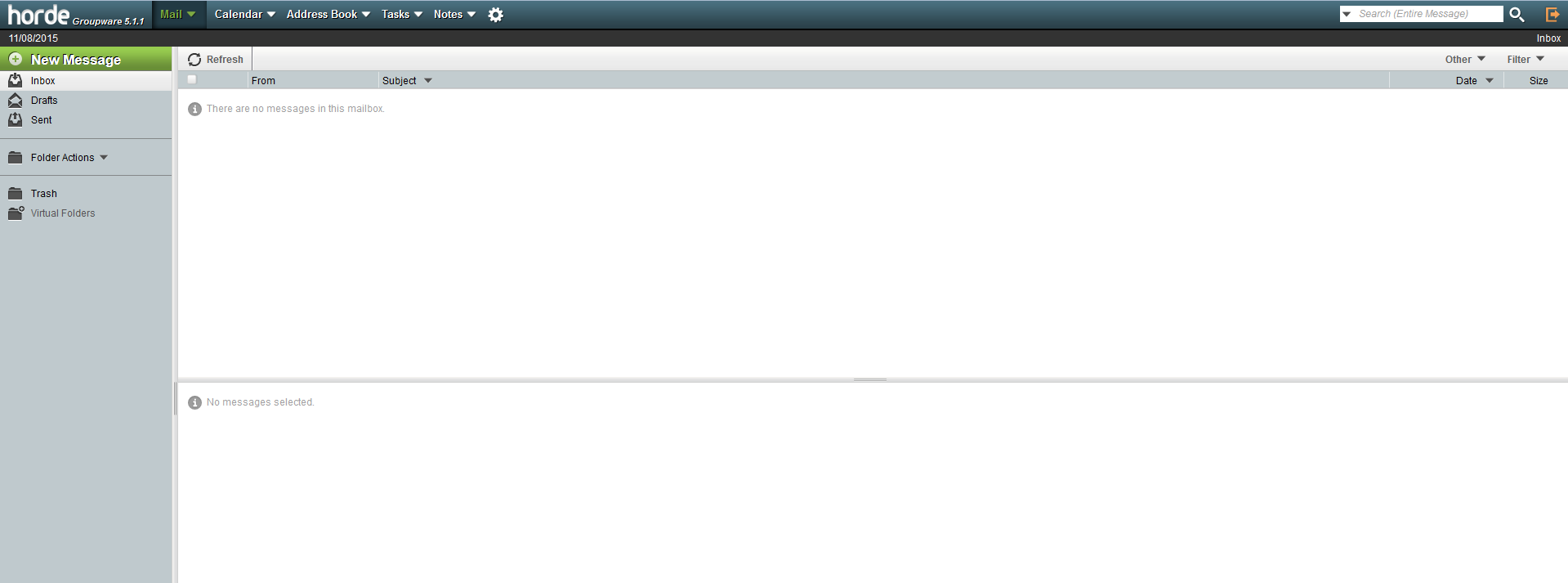
Horde webmail interface:
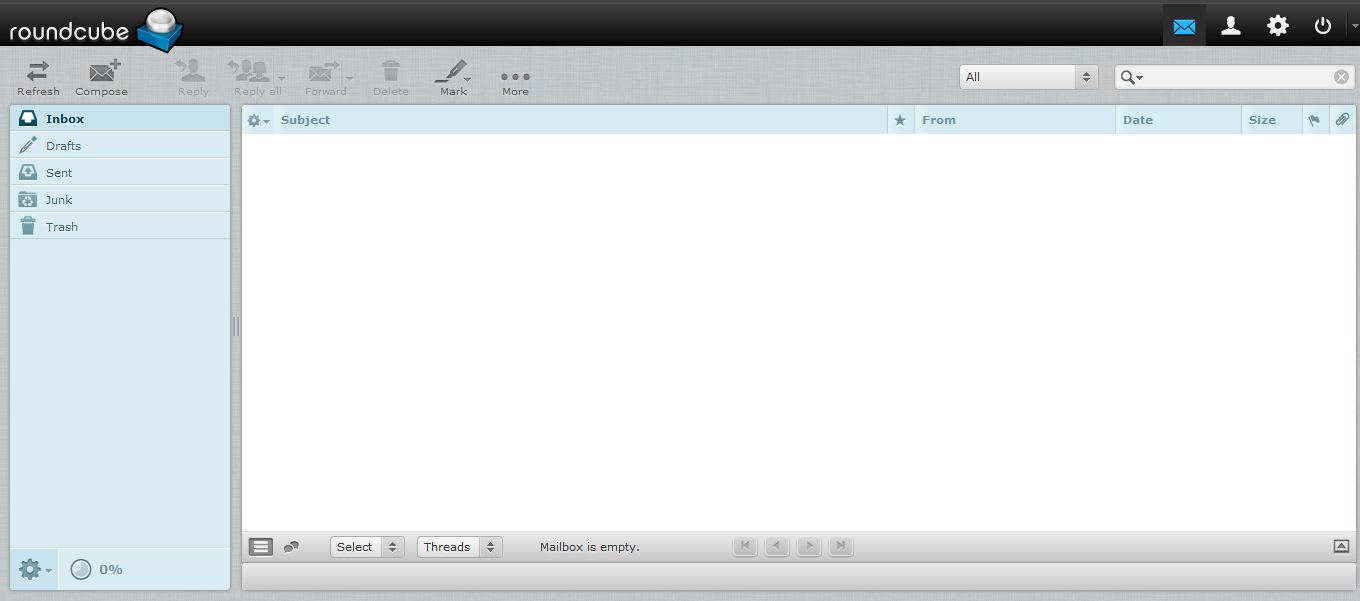
Roundcube webmail interface:
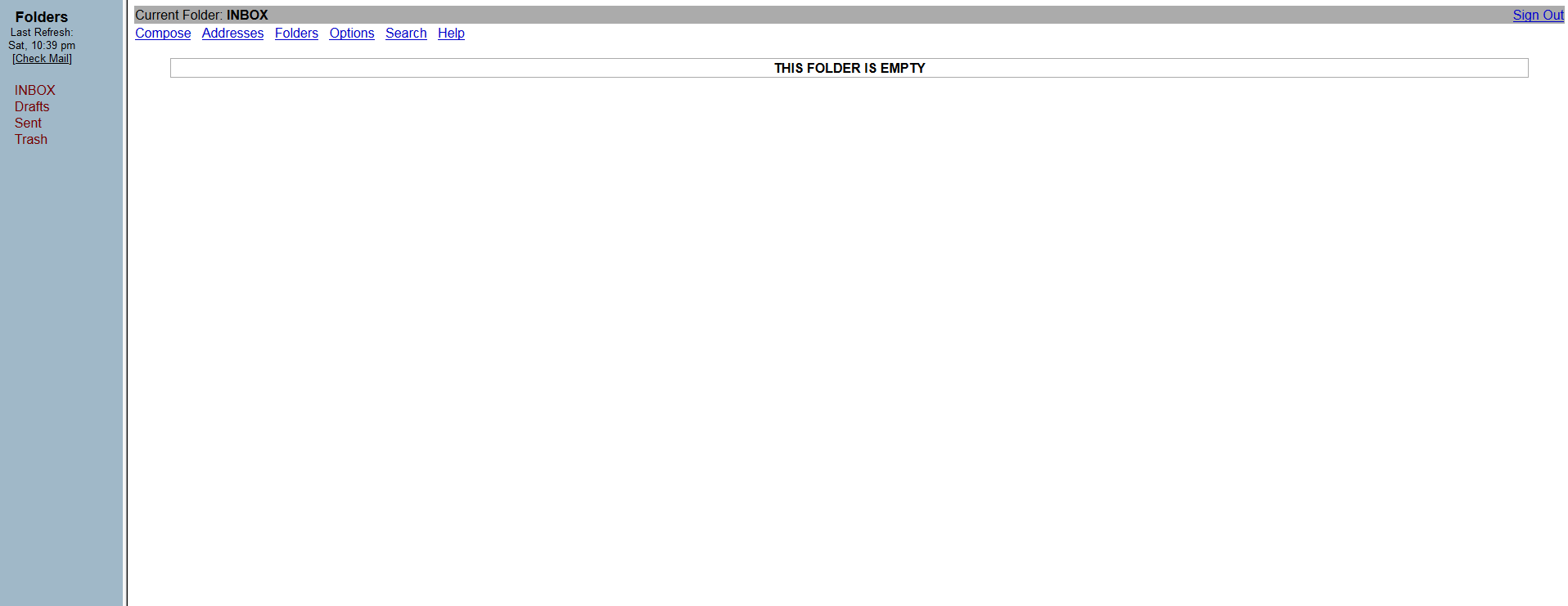
SquirrelMail webmail interface:
6. You can also access webmail directly in the browser using one of the following links:
https://yourdomain.com:2096
https://yourdomain.com/webmail
https://webmail.yourdomain.com
That's all
5. Feel free to choose any access webmail
Horde webmail interface:
Roundcube webmail interface:
SquirrelMail webmail interface:
6. You can also access webmail directly in the browser using one of the following links:
https://yourdomain.com:2096
https://yourdomain.com/webmail
https://webmail.yourdomain.com
That's all
